
ایجاد منابع Azure موردنیاز
Original Bizagi title: Low-code Process Automation > Studio Cloud - Authoring environment > Bizagi Studio > Integrating external applications from Bizagi > Artificial Intelligence Connectors > Form Recognizer connector (Temporarily unavailable) > Creating the required Azure resources
اتوماسیون فرایند Low-code / محیط طراحی Studio Cloud / Bizagi Studio / یکپارچهسازی برنامههای خارجی از داخل Bizagi / کانکتورها / Connector مربوط به Form Recognizer (موقتاً در دسترس نیست) / ایجاد منابع Azure موردنیاز
This section describes the steps needed to create the Azure resources required for the configuration of the Form Recognizer connector, specifying how to create a Storage account and a Form Recognizer cognitive service within a Resource group.
Before you start
•You must have an active Azure subscription.
Steps
To create the Azure resources required for the configuration of the Form Recognizer connector, follow these steps:
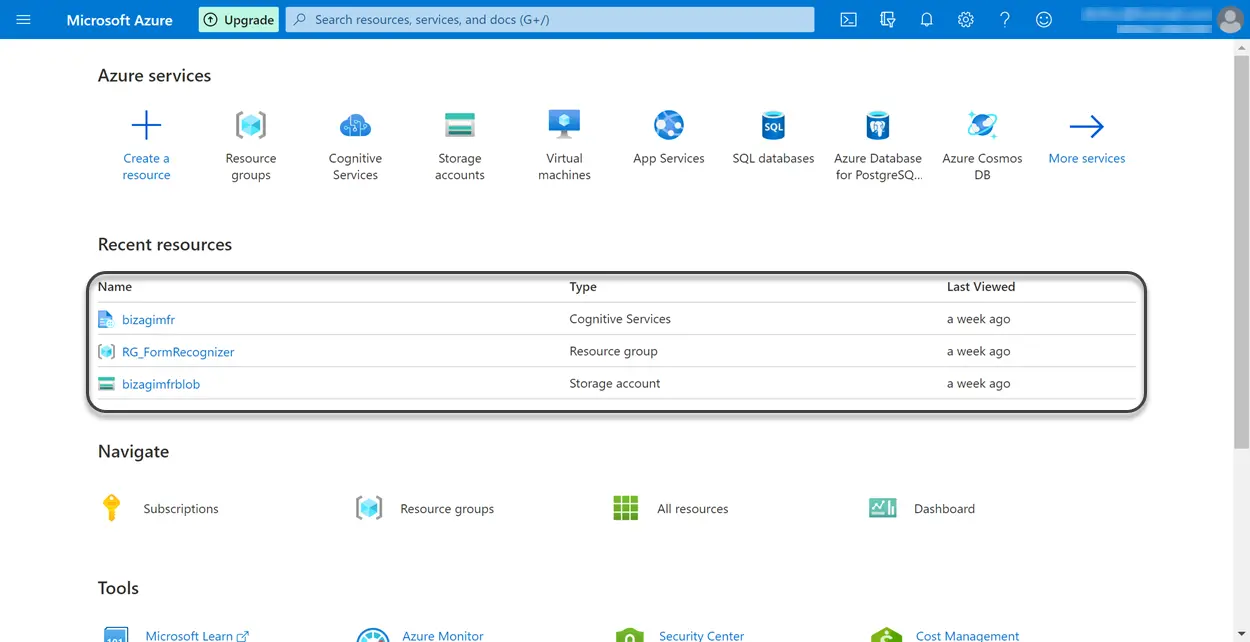
1. Sign in to your Azure subscription
4. Create a Form Recognizer cognitive service
Last Updated 1/22/2024 11:18:50 AM