
ورود به Subscription در Azure
Original Bizagi title: Low-code Process Automation > Studio Cloud - Authoring environment > Bizagi Studio > Integrating external applications from Bizagi > Artificial Intelligence Connectors > Form Recognizer connector (Temporarily unavailable) > Creating the required Azure resources > Signing in to your Azure subscription
اتوماسیون فرایند Low-code / محیط طراحی Studio Cloud / Bizagi Studio / یکپارچهسازی برنامههای خارجی از داخل Bizagi / کانکتورها / Connector مربوط به Form Recognizer (موقتاً در دسترس نیست) / ایجاد منابع Azure موردنیاز / ورود به Subscription در Azure
This section explains how to sign in to an existing Azure subscription.
What you need to do
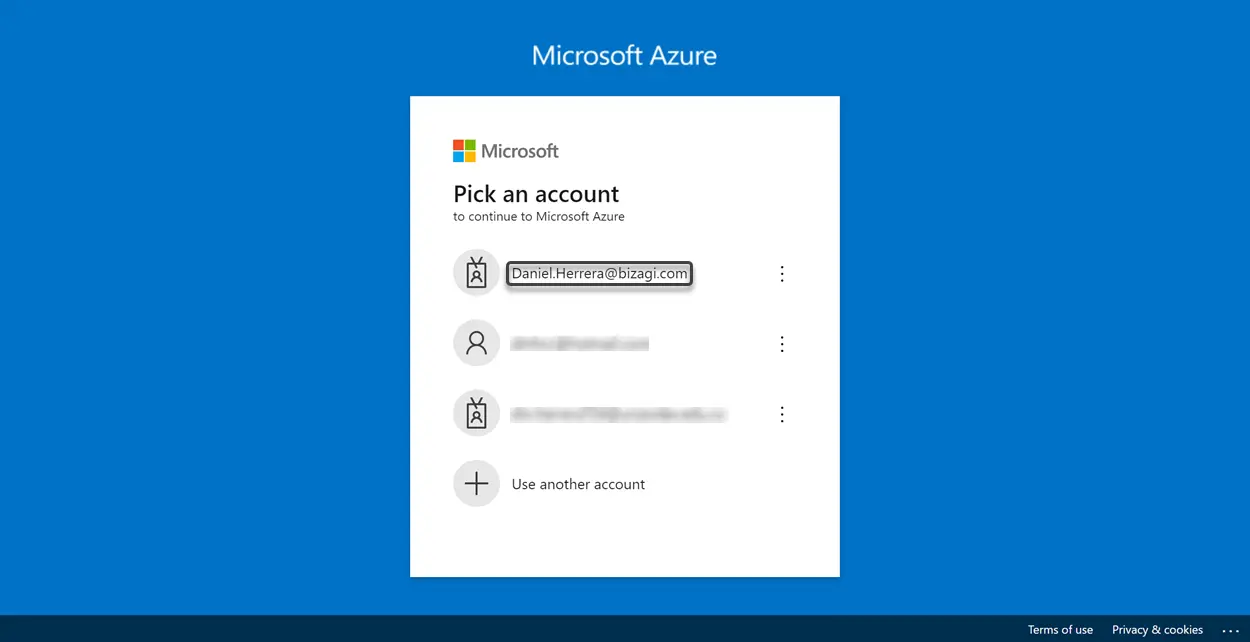
In your preferred web browser, go to the Microsoft Azure portal website. If you are not currently signed, you must be redirected to the portal's sign in page. Select an account that has an active Azure subscription.
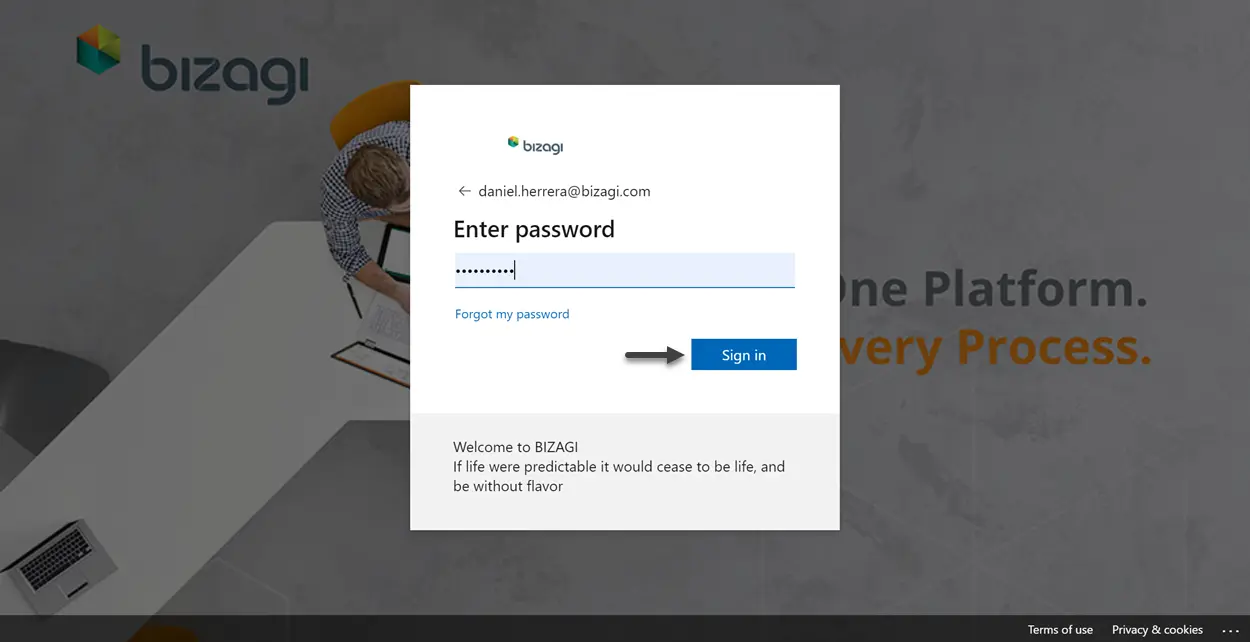
Enter your password and then click the Sign in button.
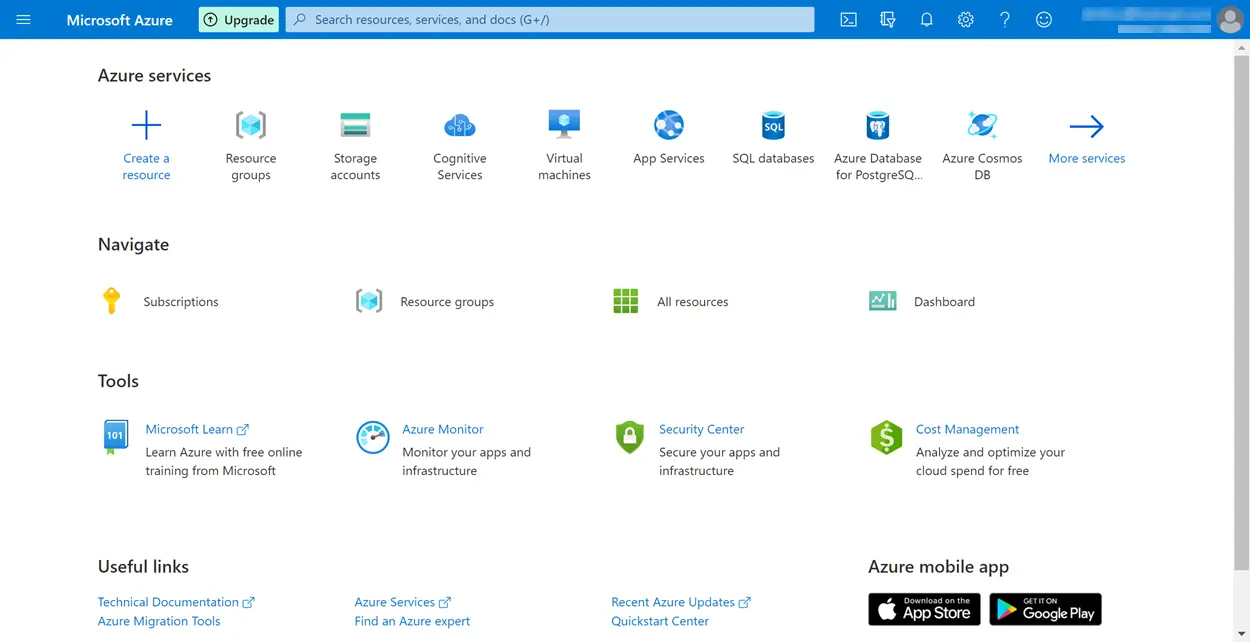
You are directed to Microsoft Azure portal's home page. If you have not created any resource, the page should be displayed as follows:
Last Updated 1/22/2024 11:21:11 AM