
خروجی گرفتن به Visio
Original Bizagi title: Low-code Process Automation > Studio Cloud - Authoring environment > Bizagi Studio > Process wizard > Model Process > Generating Documentation > Exporting to Visio
اتوماسیون فرایند Low-code / محیط طراحی Studio Cloud / Bizagi Studio / Wizard فرایند / مدلسازی فرایند / تولید مستندات / خروجی گرفتن به Visio
Bizagi Modeler allows you to export your diagrams to Microsoft Visio using the BPMN 2.0 notation shapes.
Bizagi supports Visio 2003, 2007 and 2010.
|
Make sure you have Microsoft Visio installed when you export your diagrams. |

To export your diagrams, follow the steps below:
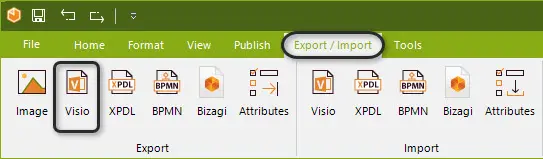
1. On the Export/Import tab, in the Export group, click Visio.
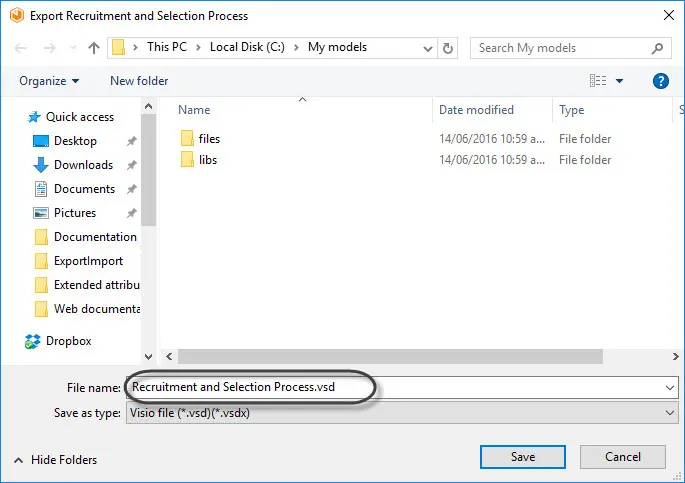
2. Specify the appropriate folder to save your Visio file, this folder need Read and Write permissions.
Click the Save button.
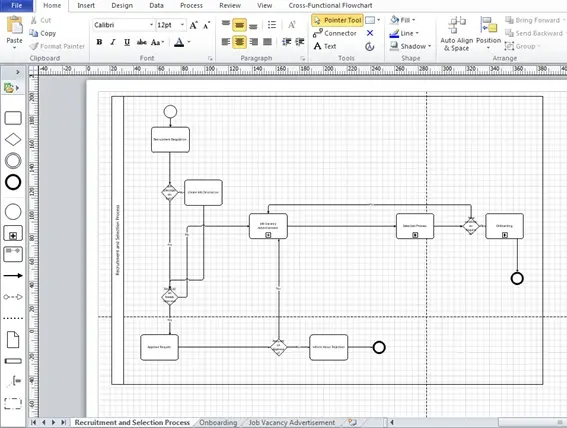
Once the process has been exported to Visio, you will be able to edit and manage the diagram using the Visio BPMN stencil.
Last Updated 7/5/2023 10:53:18 AM