
پالت ابزارها
Original Bizagi title: Modeler > Bizagi Modeler > Desktop Application > User Interface explained > Palette
مدلر / Bizagi Modeler / نرمافزار دسکتاپ / توضیح رابط کاربری / پالت ابزارها
Overview
The Palette contains the BPMN graphical elements used to design a process model.
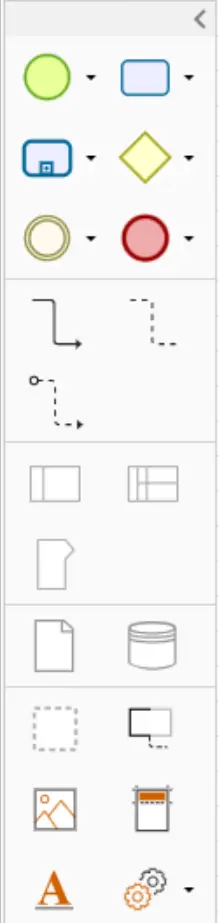
These BPMN graphical elements are described in the following sections:
•Data
|
Bear in mind that the Palette is shown in the edit diagram view. The palette will not be shown if the diagram is read-only, or in the model explorer view. |

Palette characteristics and options
Elements organization
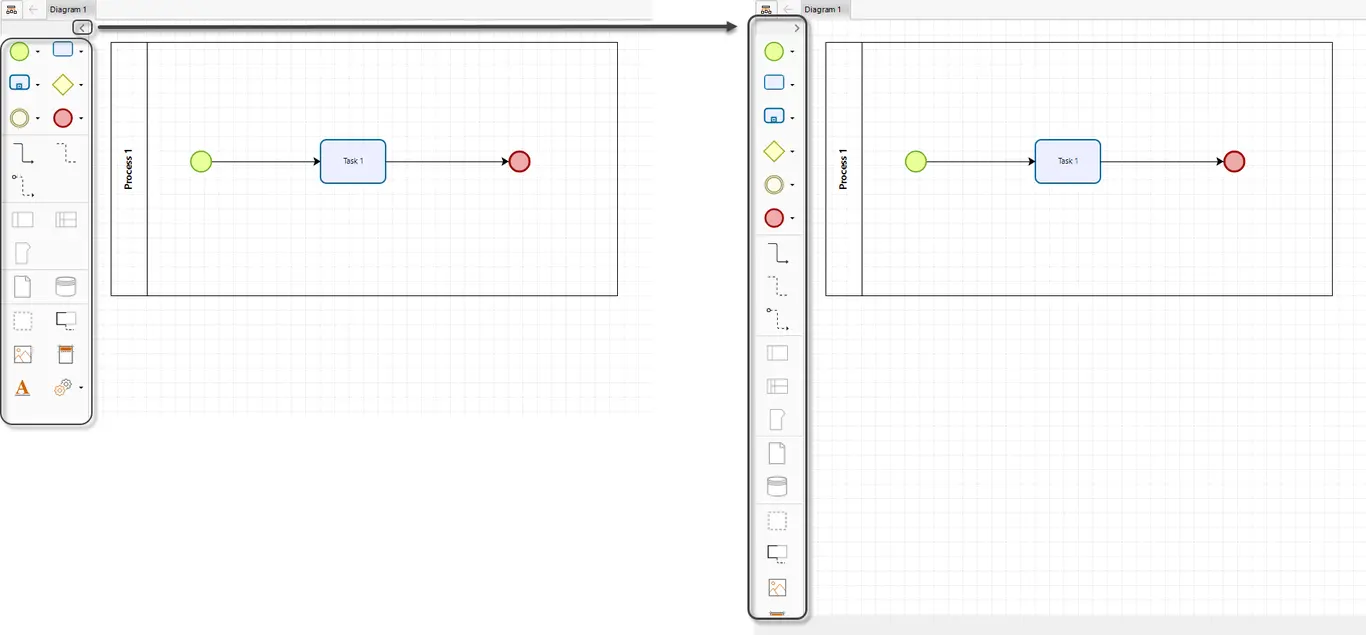
The Bizagi palette is displayed by default in two colums. However, if you click the arrow button in the top right corner, they are displayed in one single column.
Elements tooltips
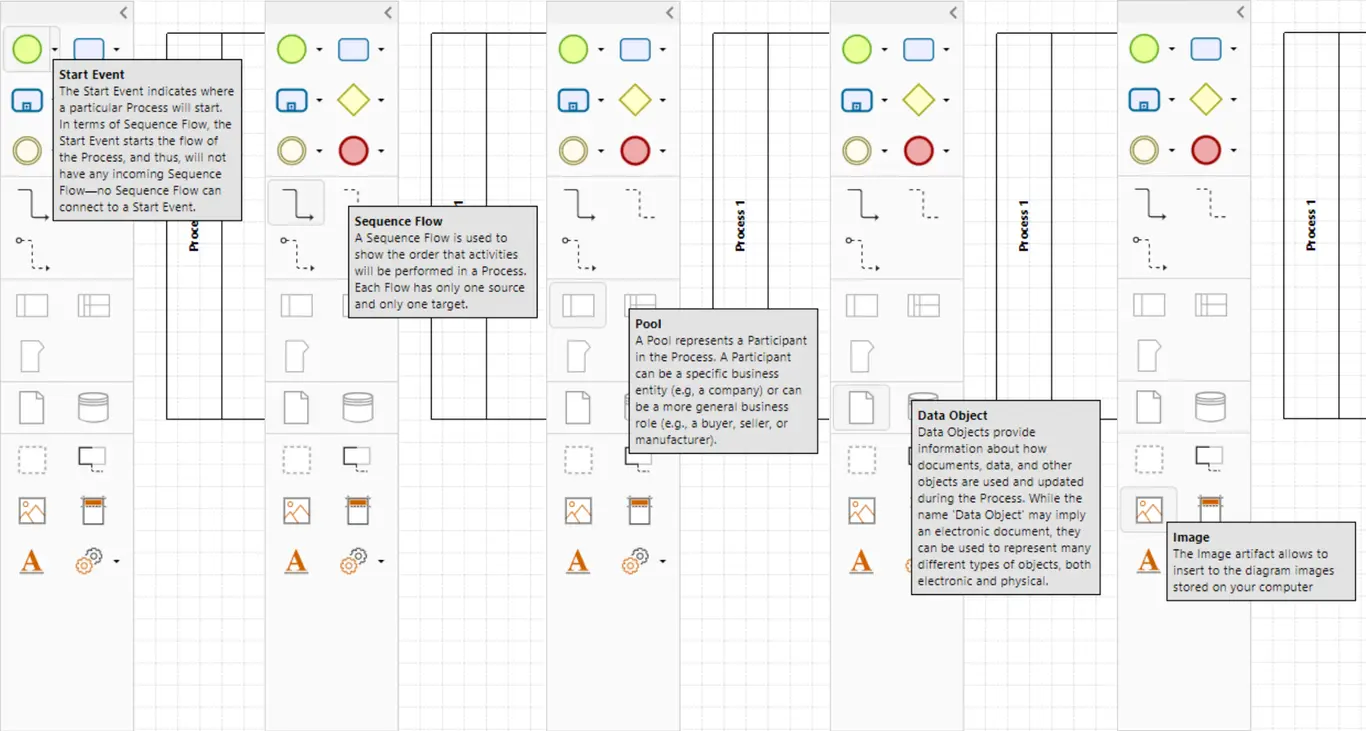
Each of the elements of the palette includes a tooltip that allows the user to view their information. The tooltips are shown when a user hovers over an element.
Elements submenu
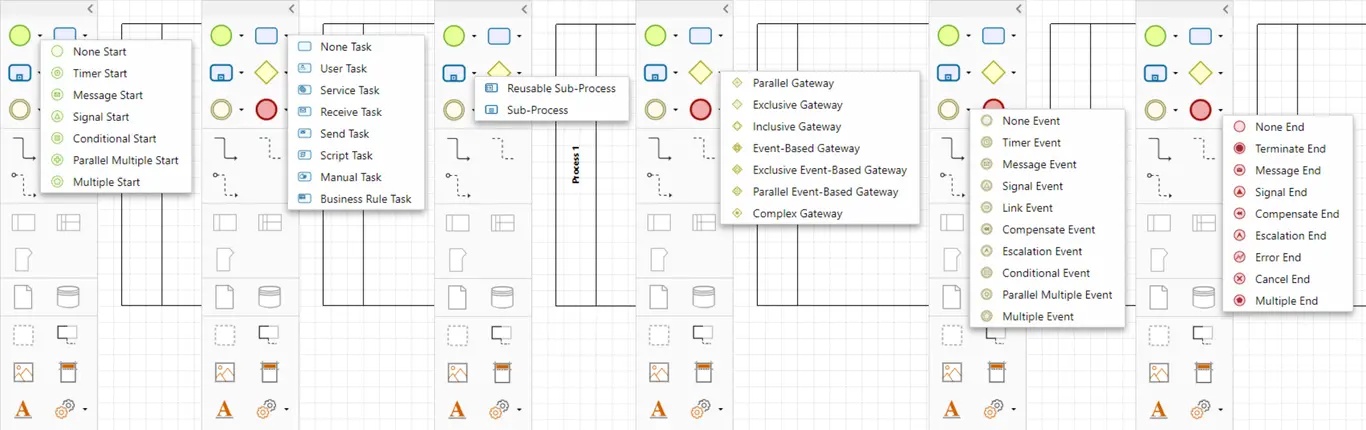
The start events, the tasks, the sub-processes, the gateways, the intermediate events and end events include a submenu in which the users can see the type of element that can be dragged to the workspace from that specific object.
Last Updated 1/7/2022 8:54:26 AM