
سبکها در Web Partها
Original Bizagi title: Low-code Process Automation > Studio Cloud - Authoring environment > Bizagi Studio > Bizagi from external applications > Portals integration > Bizagi Web parts for SharePoint > Bizagi Web parts for SharePoint On Premises > Styles in Web parts
اتوماسیون فرایند Low-code / محیط طراحی Studio Cloud / Bizagi Studio / استفاده از Bizagi از برنامههای خارجی / یکپارچهسازی پرتالها / Web Partهای Bizagi برای SharePoint / Web Partهای Bizagi برای SharePoint On-Premises / سبکها در Web Partها
Bizagi Web Parts for SharePoint provide powerful integration options with no need of programming. This is an out-of-the-box feature providing quick and easy integration of Bizagi into portals. The Web Parts includes a default style sheet compatible with SharePoint server environments. For more information about this feature, refer to Bizagi Web Parts for SharePoint.
If your corporate site has specific style guidelines or if you wish to include additional customizations to the Web Parts, you can do so by following the steps in this article.
Using the Theme Builder
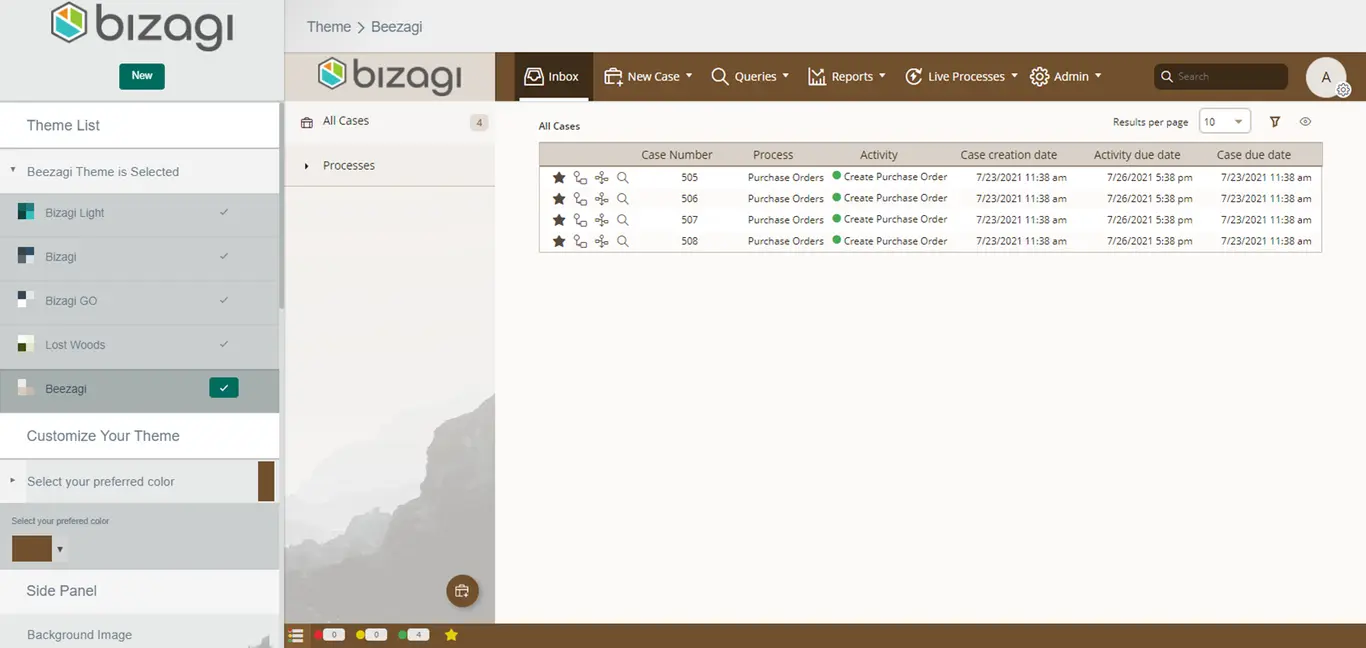
You can customize the appearance of the Work Portal using the theme builder. Web Parts rely on the theme configured in the project used for the configuration of your Web Parts in the SharePoint server. If you change the theme from the Theme Builder:
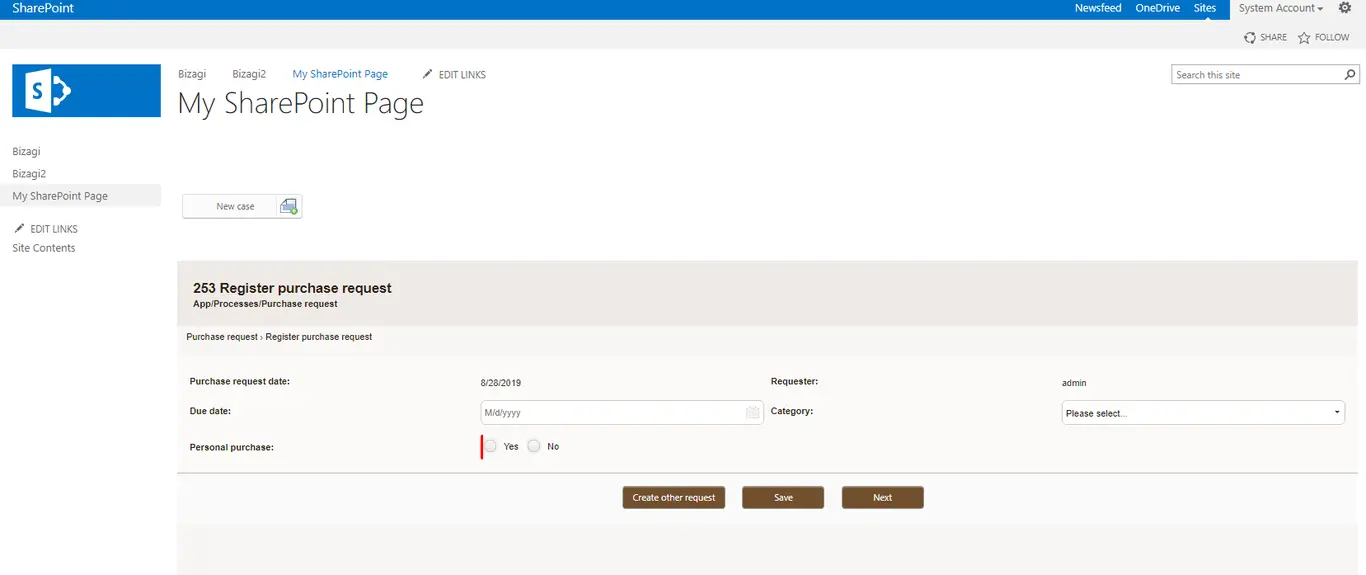
When the Web Part is rendered in the SharePoint page, it displays with the theme configured in the Work Portal:
Last Updated 2/7/2022 11:47:47 AM