
جستجو، یافتن و جایگزینی محتوای Expressionها
Original Bizagi title: Low-code Process Automation > Studio Cloud - Authoring environment > Bizagi Studio > Process wizard > Business Rules > Business rules elements > Expression element > Search Find Replace expressions content
اتوماسیون فرایند Low-code / محیط طراحی Studio Cloud / Bizagi Studio / Wizard فرایند / Ruleهای کسبوکار / قواعد کسبوکار / المانهای Ruleهای کسبوکار / المان Expression / جستجو، یافتن و جایگزینی محتوای Expressionها
You can search the Expressions content to Find or Replace specific words.
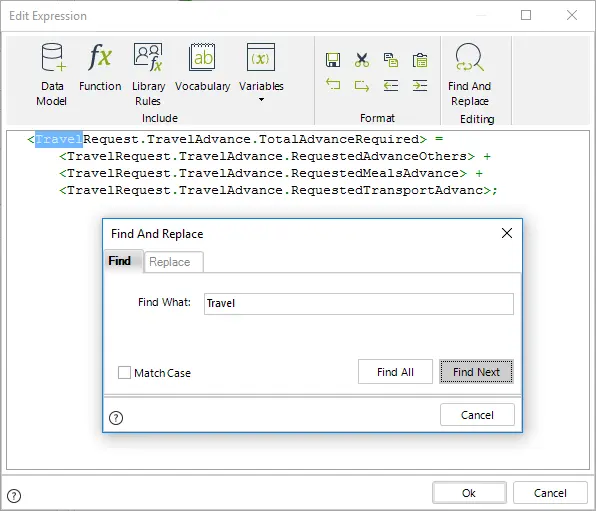
With the opened expression type Ctrl + F to open the Find and Replace dialog.
You can search one word at a time clicking Find Next or pressing Enter key.
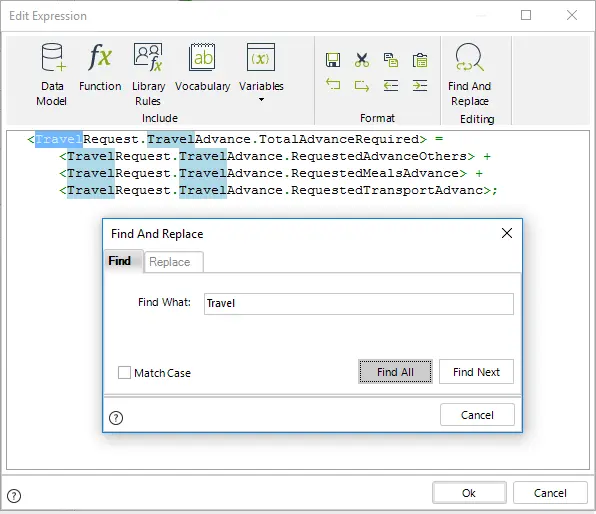
You can search all the words in the expression that match the word entered clicking Find All.
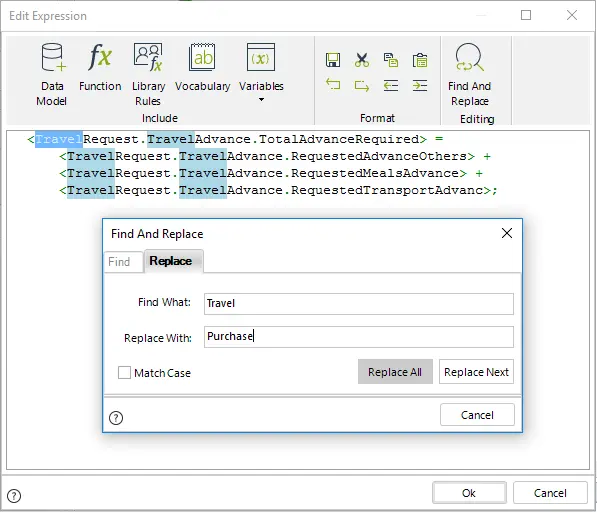
You can replace words in the expression accessing the Replace tab.
Again you can replace one by one or all at once clicking Replace Next or Replace All.
|
•By default the search is case insensitive. If you click the Match case box it will be case sensitive. •When you close the Find and Replace dialog the words that are highlighted will remain highlighted until you click your mouse. |

Last Updated 1/6/2022 11:35:59 AM