
باز کردن Connector از فایل
Original Bizagi title: Low-code Process Automation > Studio Cloud - Authoring environment > Bizagi Studio > Integrating external applications from Bizagi > Bizagi connectors > Integration Hub > Opening a connector from a file
اتوماسیون فرایند Low-code / محیط طراحی Studio Cloud / Bizagi Studio / یکپارچهسازی برنامههای خارجی از داخل Bizagi / Connectorهای Bizagi / Integration Hub / مرکز یکپارچهسازی / باز کردن Connector از فایل
When having downloaded a connector as a .bizc file (for instance, if you want to modify and customize an existing connector as made available at the Connector Xchange), you can open it and modify it.
When wanting to modify it to include some changes or produce a new version, go to Bizagi's Integration hub and use the Add new connector from file option:
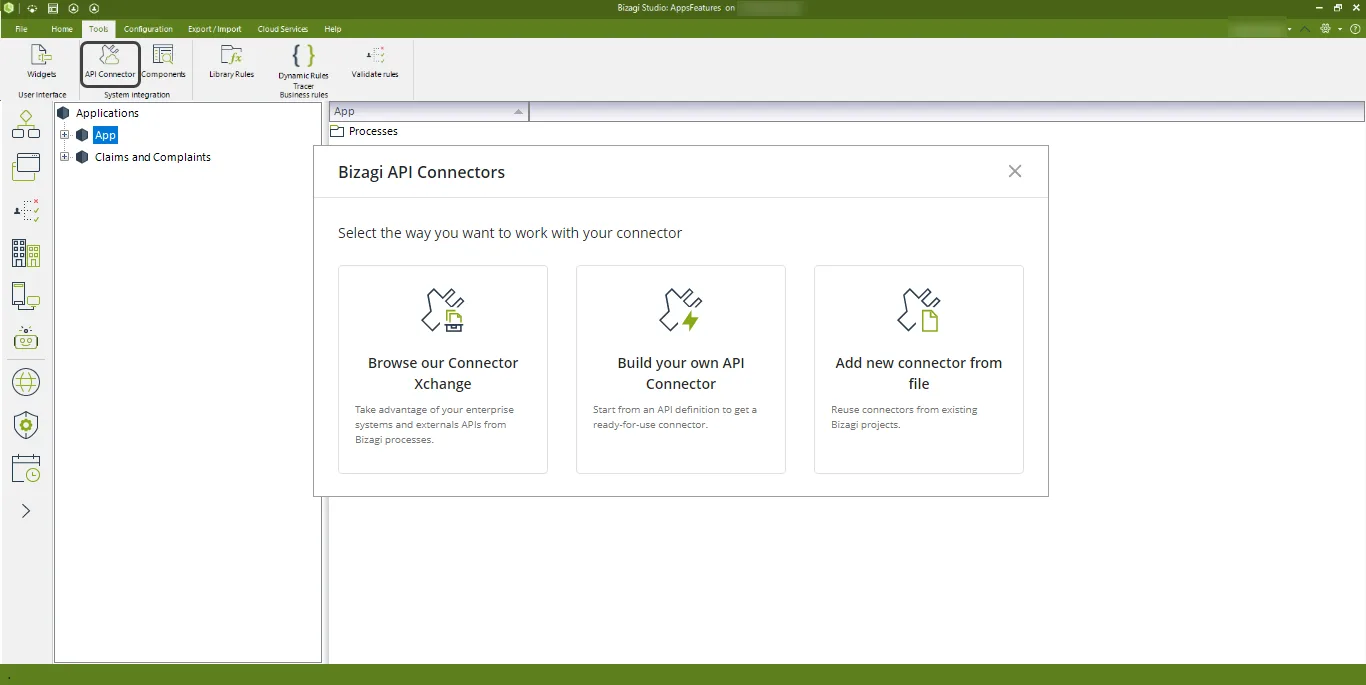
This opens a new window where you can choose the connector that you want to upload.
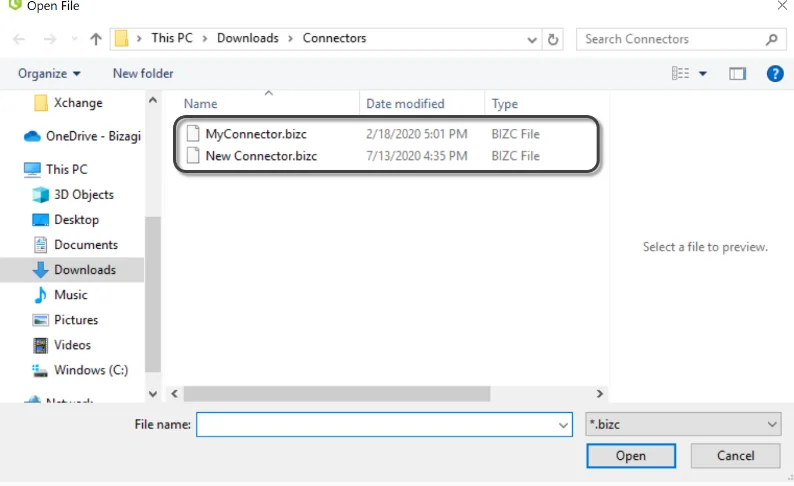
When opening a connector, the Connector Editor will automatically identify if your connector is of the Easy REST type or Custom, and load the appropriate user interface.
Note that this process may take a minute or so (depending on how large the file size of your connector is, along with its imported libraries).
Detail of that connector will show up and will be up for modifications.
|
Considerations: •You can load a connector even though its implementation has not been completed yet. •If you create a new connector by parting from an existing one (by modifying it), then you will need to make sure you create new actions (reusing existing ones may generate issues). |

Last Updated 1/22/2024 10:14:44 AM