
ایجاد حساب و دانلود بهعنوان کاربر جدید
Original Bizagi title: Modeler > Bizagi Modeler > Bizagi Modeler download and install > Downloading Bizagi Modeler desktop application > Create an account and download as New User
مدلر / Bizagi Modeler / دانلود و نصب Bizagi Modeler / دانلود نرمافزار دسکتاپ Bizagi Modeler / ایجاد حساب و دانلود بهعنوان کاربر جدید
To create an account and download Bizagi Modeler, go to the Bizagi official website https://www.bizagi.com/
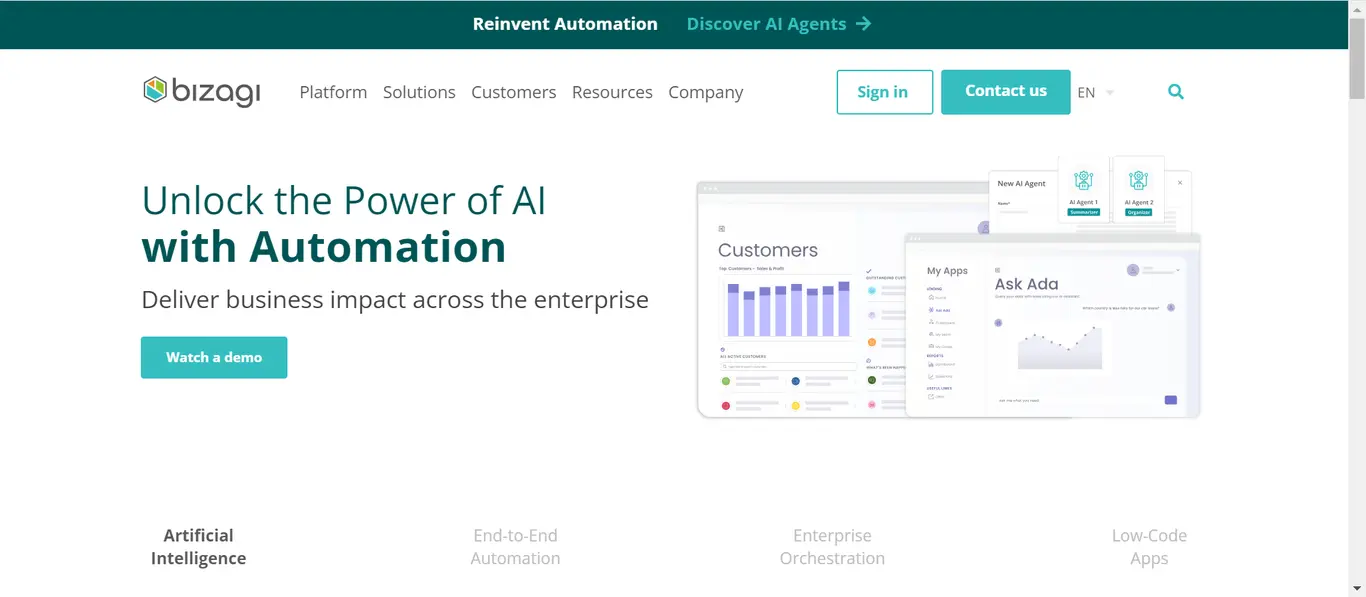
Go to the page footer and click Modeler.
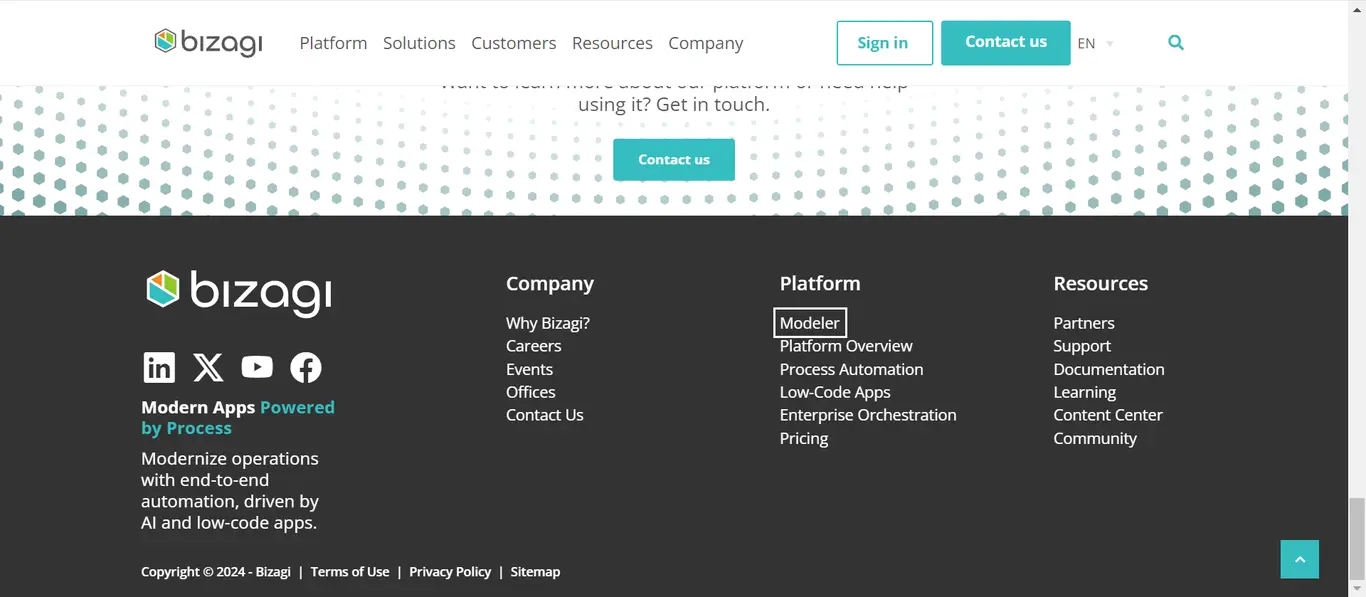
Then, click Start Free.
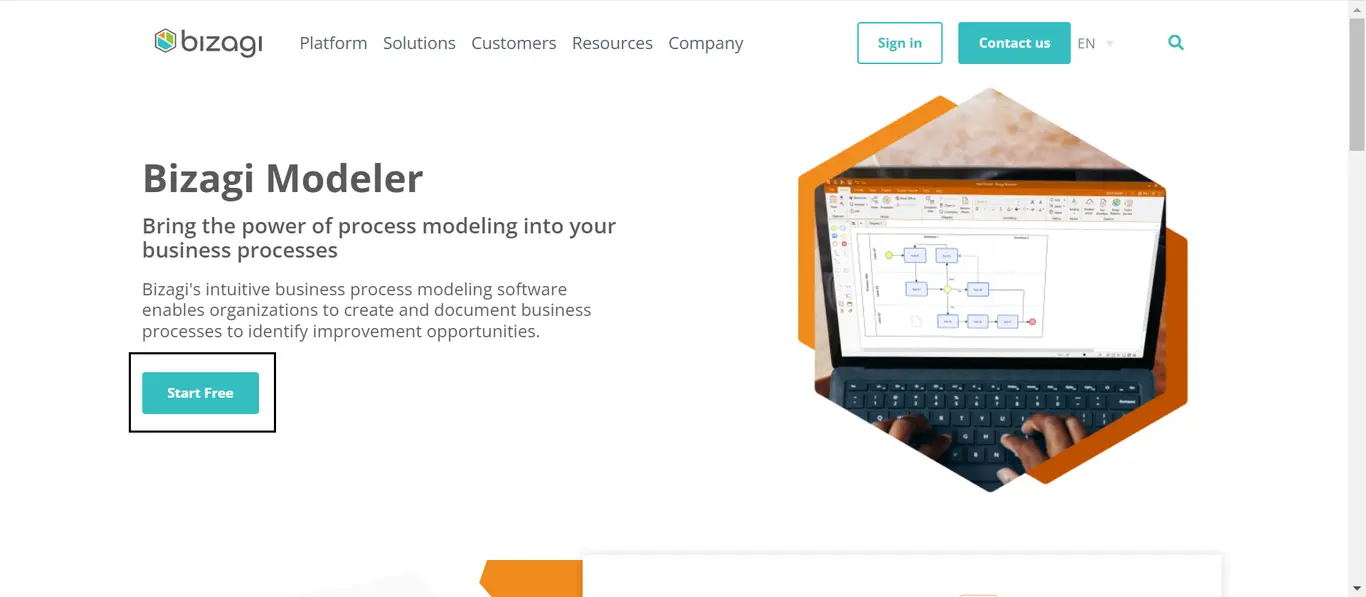
Afterwards, click the Create free account button.
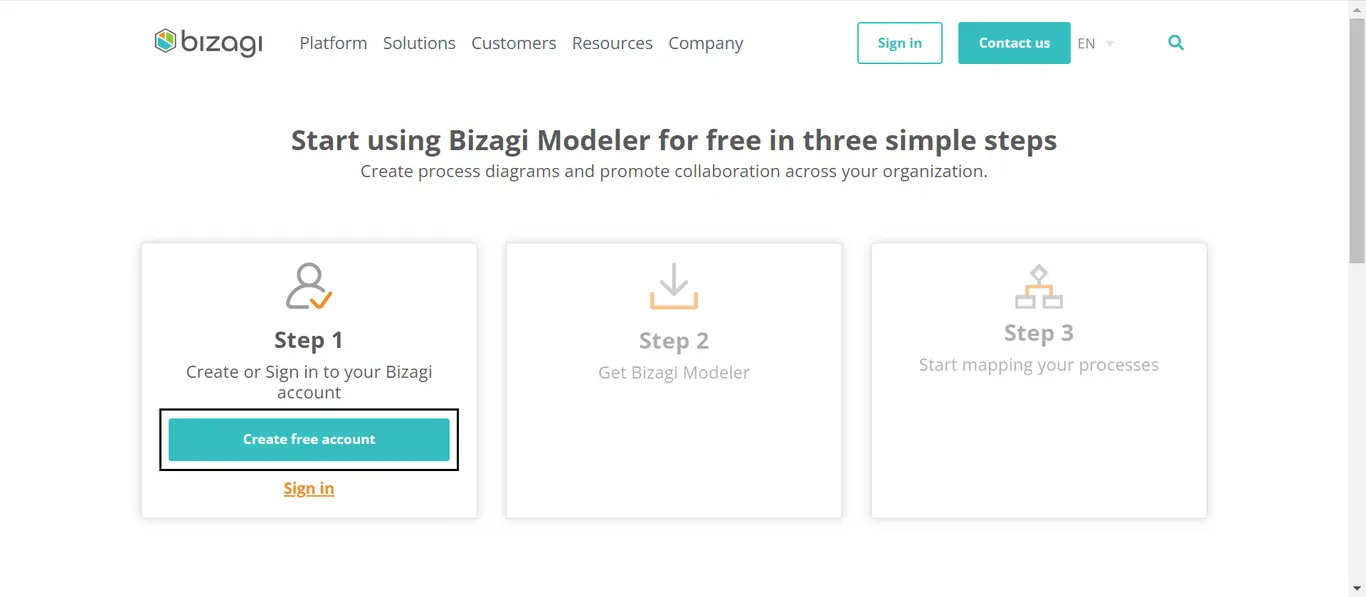
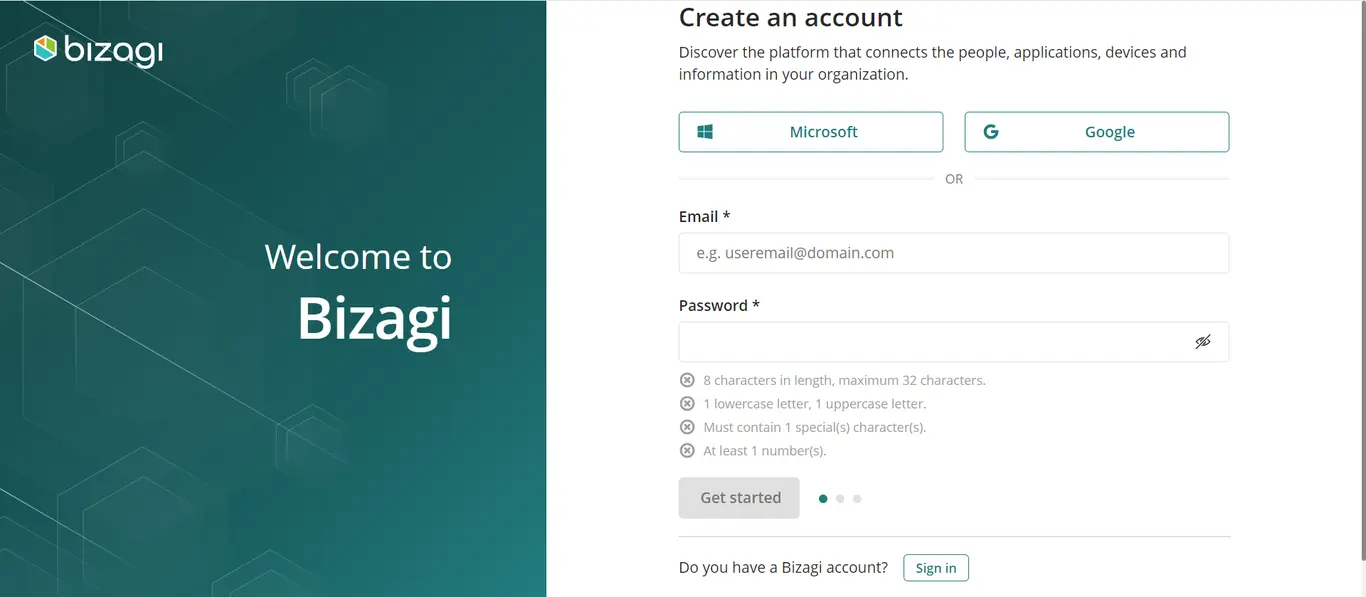
In the form that appears, enter an email and password and click Get Started. You can also sign in with Microsoft or Google.
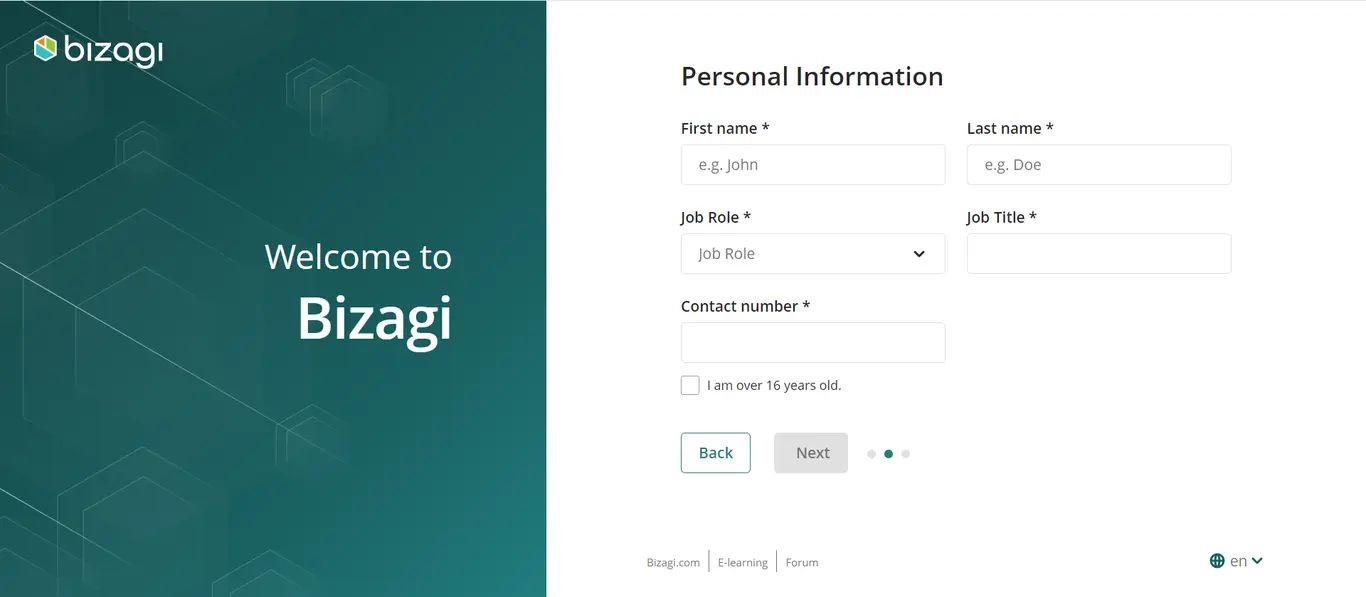
Fill in your personal information.
Then, fill in your company's information.
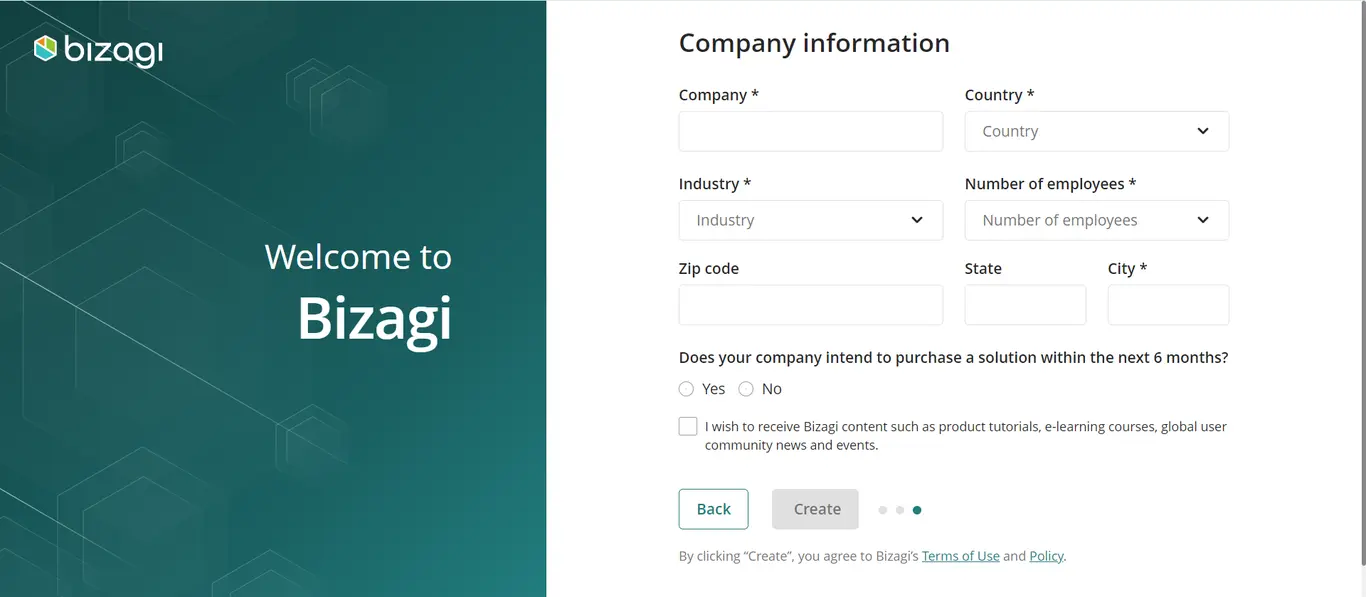
After clicking the Create button, go to your email and activate your account.
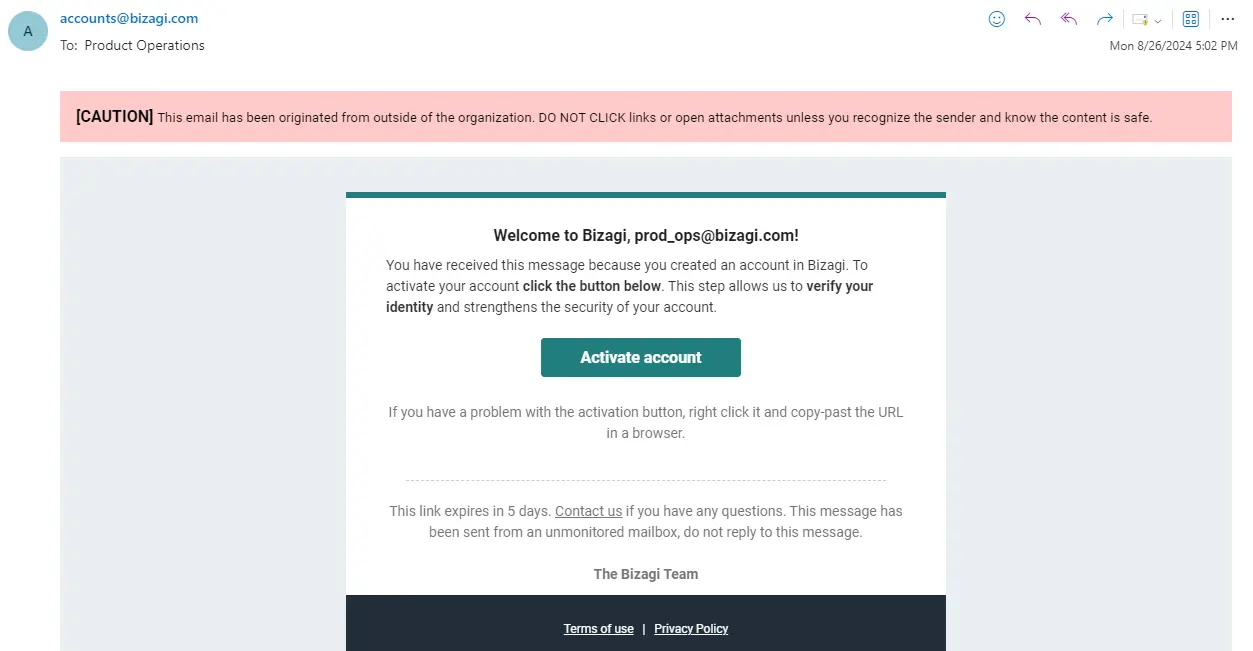
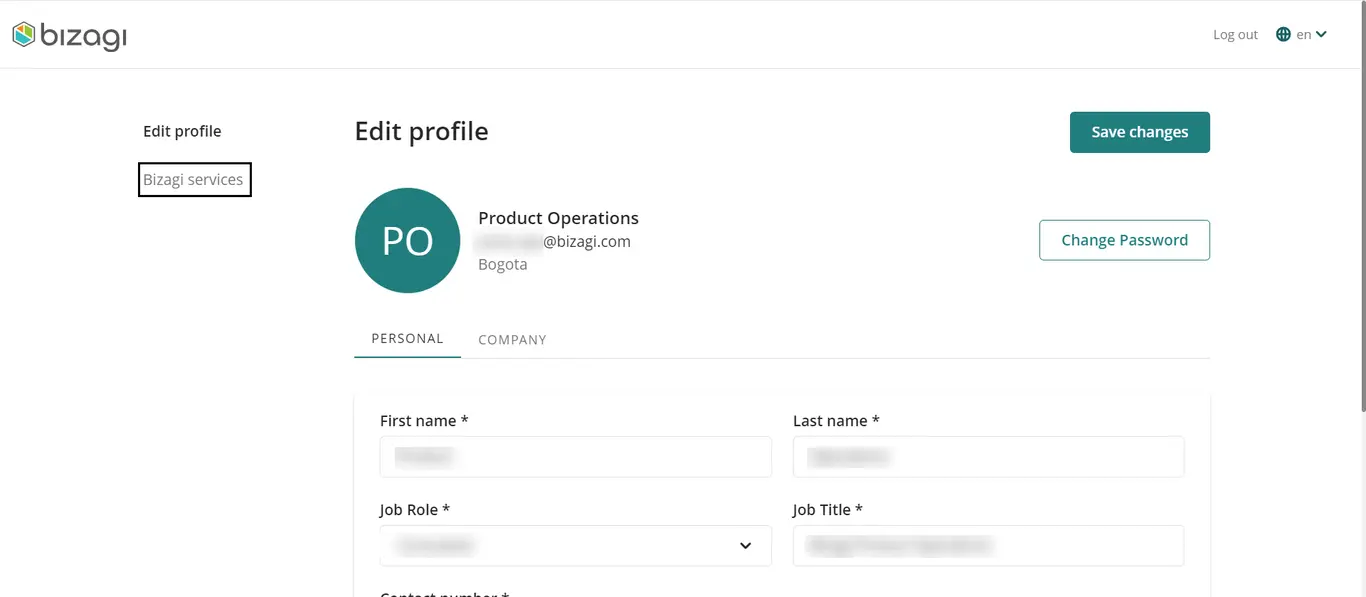
In the Browser tab that opens, login and then navigate to the Bizagi Services section.
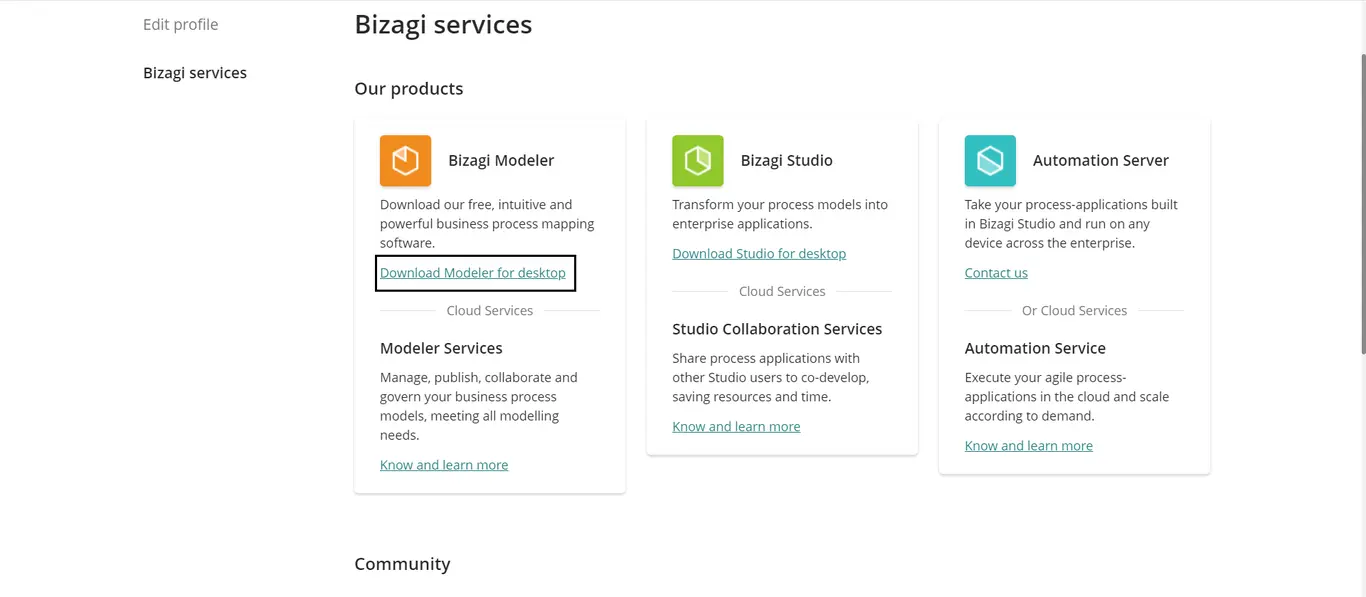
Then, in the Modeler section click the Download Modeler for desktop hiperlink.
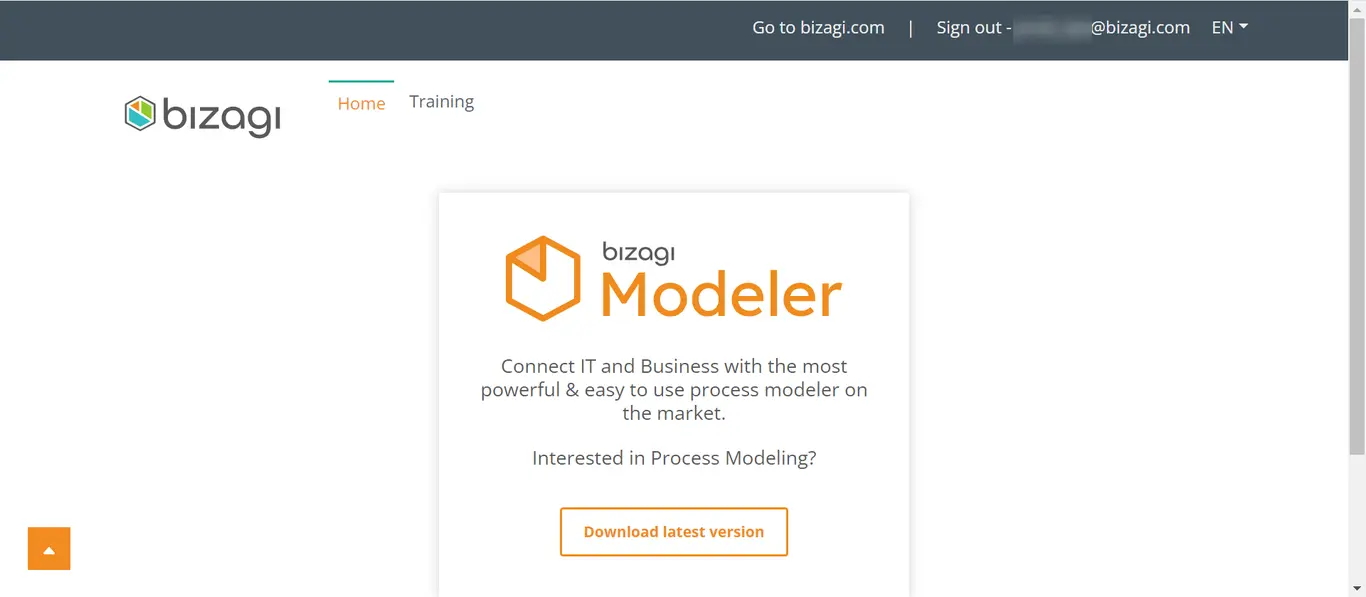
Login to the Bizagi web page, and in the screen that opens click Download lastest version.
When you sign up to Bizagi you obtain:
•Free online support
•Free online training
•Expert advice
•Free user manuals
•Video tutorials
Last Updated 7/3/2025 11:34:02 AM