
وارد کردن مدل فرایندی از فایل BPMN
Original Bizagi title: Low-code Process Automation > Studio Cloud - Authoring environment > Bizagi Studio > Bizagi Studio user interface explained > Advanced settings > Export / Import > Importing a process model from a BPMN file
اتوماسیون فرایند Low-code / محیط طراحی Studio Cloud / Bizagi Studio / توضیح رابط کاربری Bizagi Studio / تنظیمات پیشرفته / خروجی ورودی / وارد کردن مدل فرایندی از فایل BPMN
Bizagi allows you to import a model of a process that has been already modeled with Bizagi Modeler.
What you need to do
To import a model from a BPMN file, complete the following steps:
1.In the Export/Import tab, select the Process Modeler option.

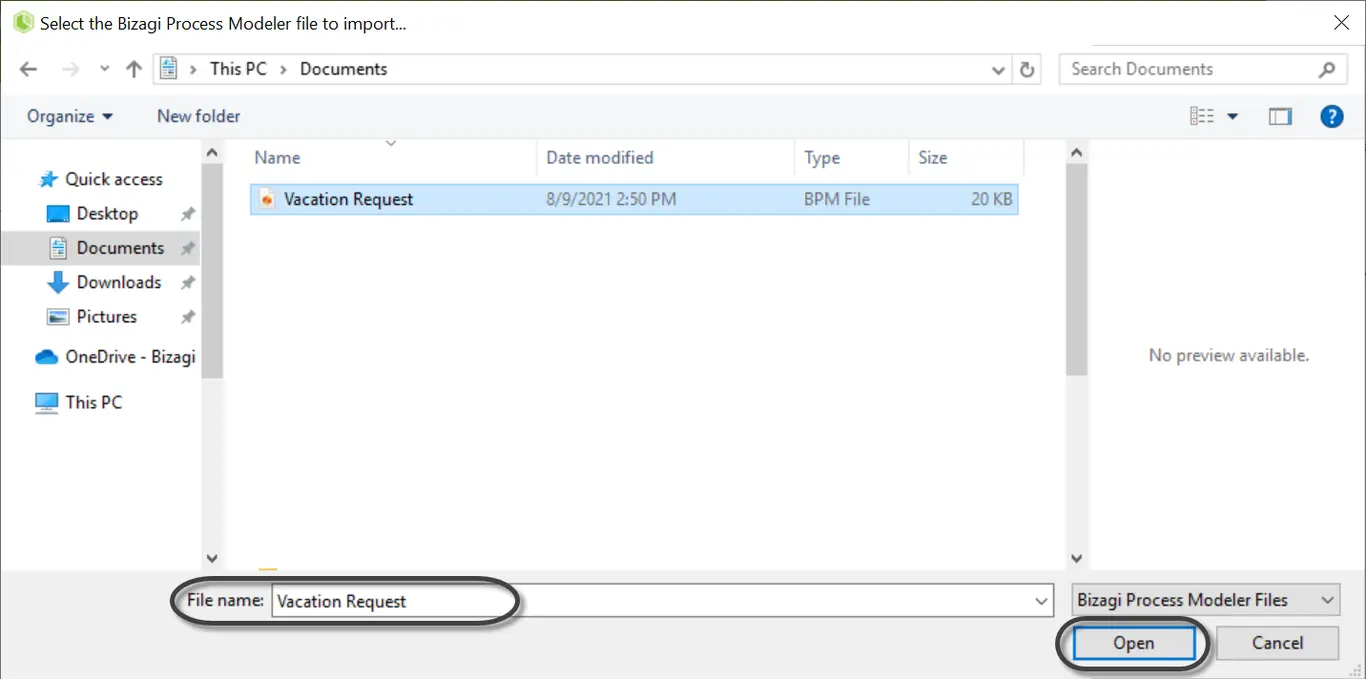
2.A new window appears. Go to the path where your BPMN file is located and select it.
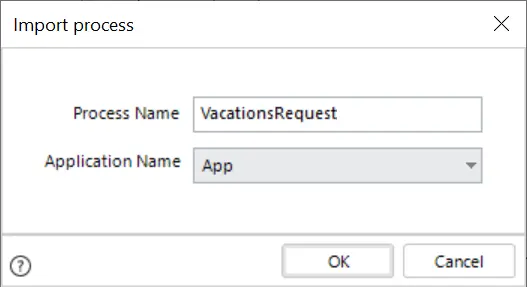
3.Give your process a name and the application where you want to create it. Then click OK.
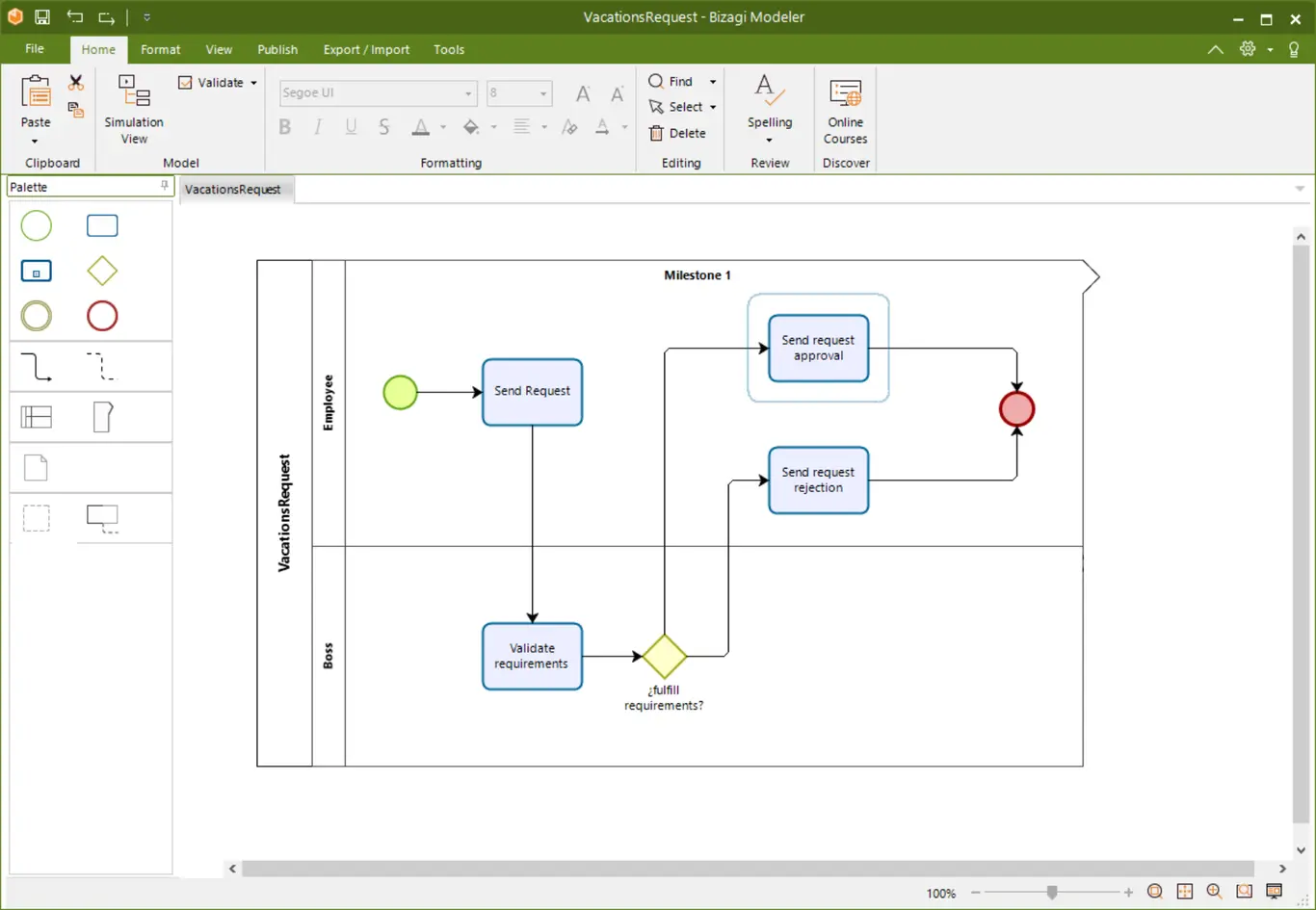
4.A new window opens in the editor with the process ready to be automated.
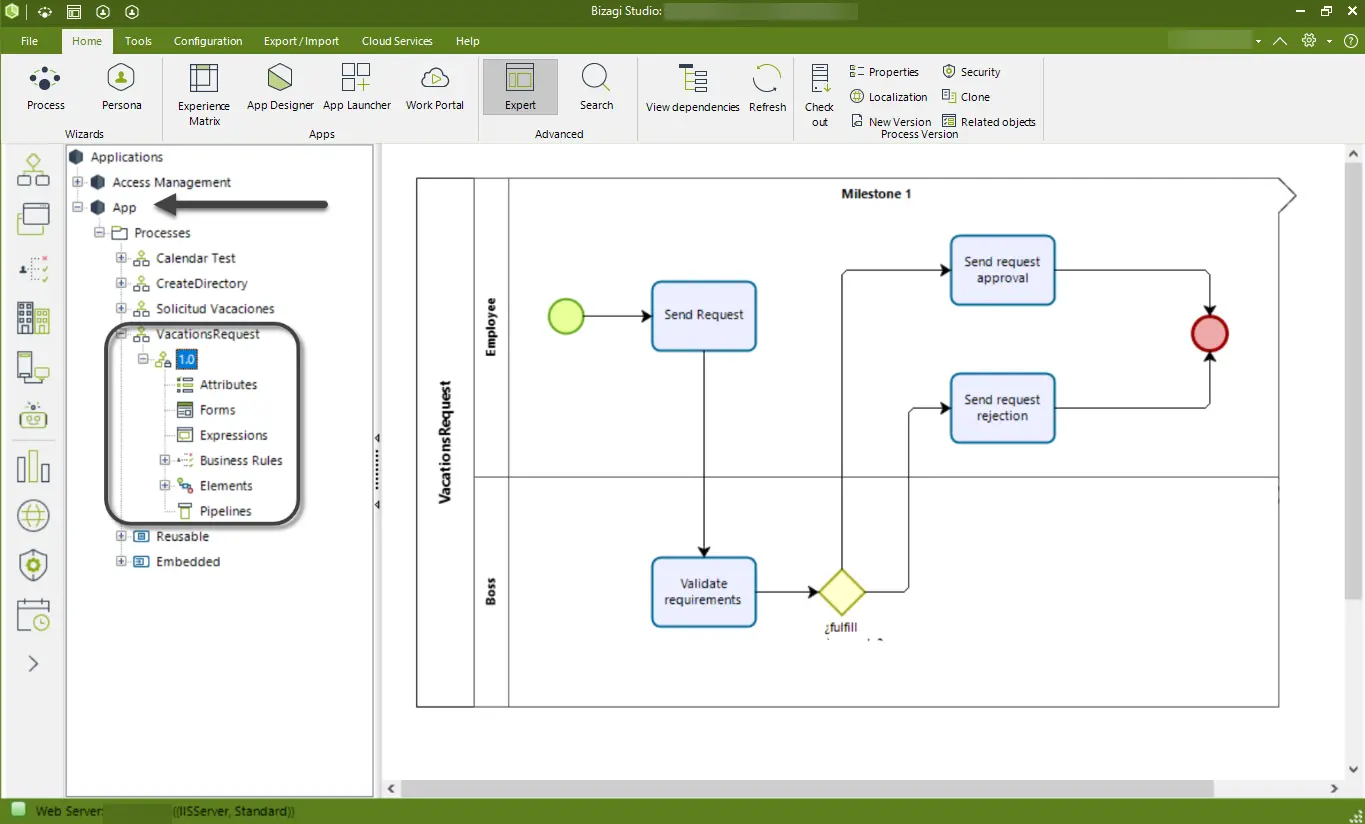
Note that from the expert view, you will see your process under the application that you defined.
Last Updated 2/20/2024 4:22:02 PM