
Concatenate Documents از آرایه فایلها
Original Bizagi title: Low-code Process Automation > Studio Cloud - Authoring environment > Bizagi Studio > Process wizard > Business Rules > Business Rules examples > Documents and files > File management with expressions > Concatenate Documents > Concatenate Documents From Files Array
اتوماسیون فرایند Low-code / محیط طراحی Studio Cloud / Bizagi Studio / Wizard فرایند / Ruleهای کسبوکار / قواعد کسبوکار / مثالهای Ruleهای کسبوکار / فایل ها / مدیریت فایل با Expressionها / Concatenate Documents / ادغام اسناد / Concatenate Documents از آرایه فایلها
This section describes how to use the feature to concatenate documents from a files array.
Example
In the following sample process, assume we have a process entity called OfficeSupplyRequest.
Such process uses the following data model:
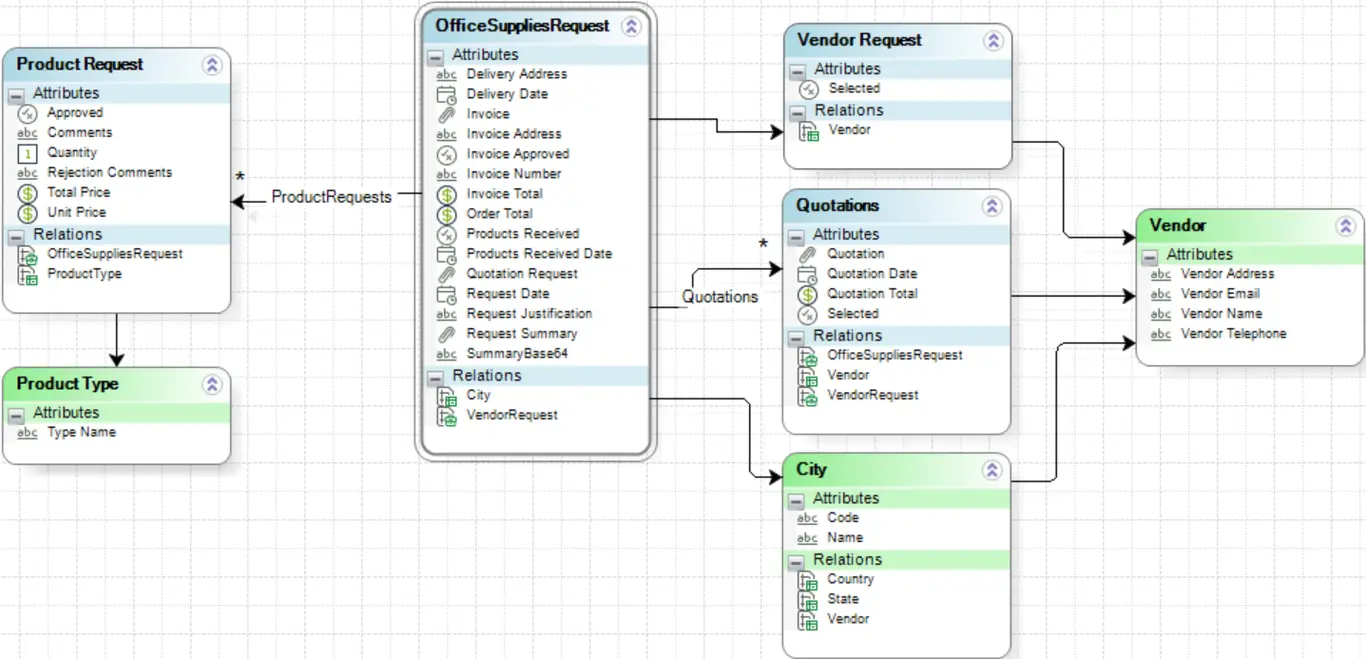
We want the attribute Request Summary to have all the documents uploaded to the Quotations collection. To do so we will use the Concatenate documents from files array method.
|
The documents to concatenate should be the same format, either PDF or Microsoft Word document. Otherwise, the method will not work correctly. |

In this case the syntax of the function is:
CHelper.ConcatDocumentsFromFilesArrayToWord(filesArray)
The main parameters of this function are:
•The filesArray: the array of File data to be concatenated.
To concatenate the files of our example we will need an expression box:
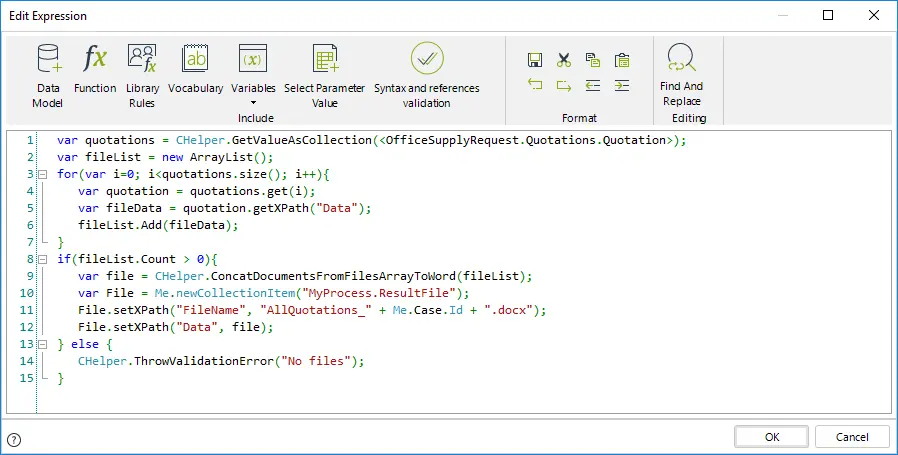
The expression above is as follows:
var quotations = CHelper.GetValueAsCollection(<OfficeSupplyRequest.Quotations.Quotation>);
var fileList = new ArrayList();
for(var i=0; i<quotations.size(); i++){
var quotation = quotations.get(i);
var fileData = quotation.getXPath("Data");
fileList.Add(fileData);
}
if(fileList.Count > 0){
var file = CHelper.ConcatDocumentsFromFilesArrayToWord(fileList);
var File = Me.newCollectionItem("MyProcess.ResultFile");
File.setXPath("FileName", "AllQuotations_" + Me.Case.Id + ".docx");
File.setXPath("Data", file);
} else {
CHelper.ThrowValidationError("No files");
}
The resulting file will have as name AllQuotations_[CaseNumber].docx.
|
Please make sure the file extension matches the document type the method uses. |
In this case the syntax of the function is:
CHelper.ConcatDocumentsFromFilesArrayToPDF(filesArray)
The main parameters of this function are:
•The filesArray: the array of File data to be concatenated.
To concatenate the files of our example we will need an expression box:
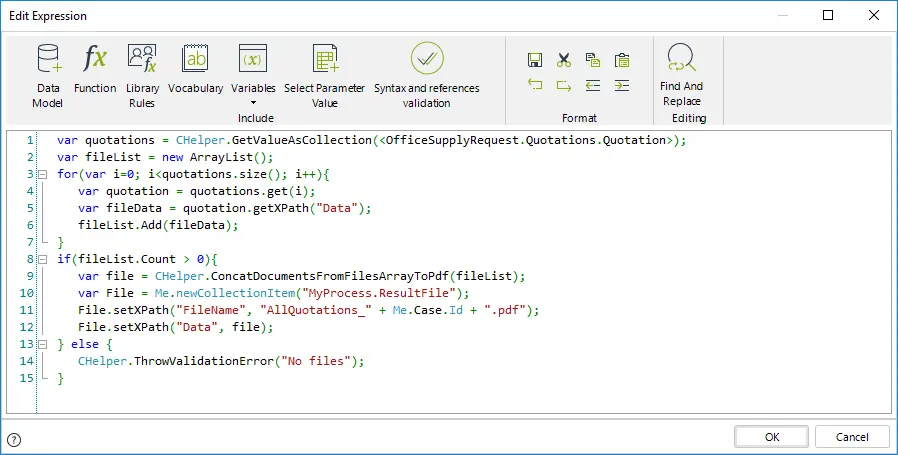
The expression above is as follows:
var quotations = CHelper.GetValueAsCollection(<OfficeSupplyRequest.Quotations.Quotation>);
var fileList = new ArrayList();
for(var i=0; i<quotations.size(); i++){
var quotation = quotations.get(i);
var fileData = quotation.getXPath("Data");
fileList.Add(fileData);
}
if(fileList.Count > 0){
var file = CHelper.ConcatDocumentsFromFilesArrayToPdf(fileList);
var File = Me.newCollectionItem("MyProcess.ResultFile");
File.setXPath("FileName", "AllQuotations_" + Me.Case.Id + ".pdf");
File.setXPath("Data", file);
} else {
CHelper.ThrowValidationError("No files");
}
The resulting file will have as name AllQuotations_[CaseNumber].pdf.
|
Please make sure the file extension matches the document type the method uses. |
Last Updated 1/6/2022 4:16:43 PM